
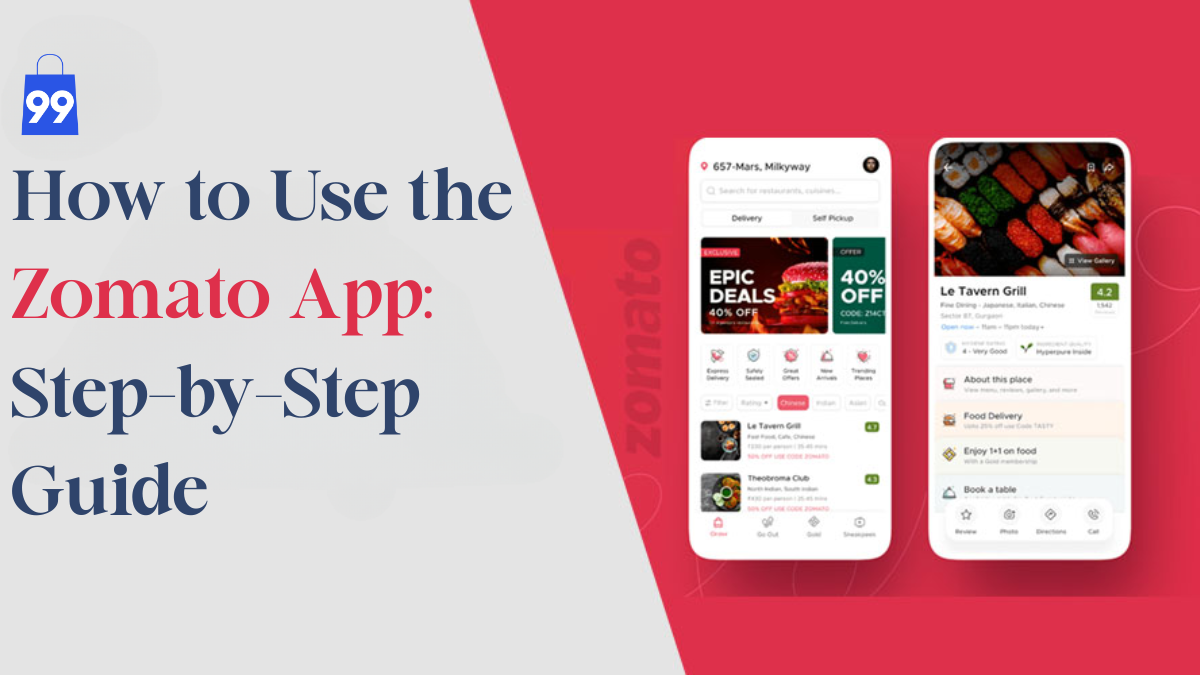
How to Use the Zomato App: A Complete Guide
In today’s fast-paced world, convenience is king, especially when it comes to food. Whether you’re rushing through a workday, lounging at home, or planning a late-night binge, having your favourite meal delivered to your doorstep is a modern comfort we all appreciate. That’s where Zomato steps in. In this blog, we’ll walk you through how to use the Zomato app, one of India’s most popular platforms for food delivery, restaurant discovery, and dining offers.
Before placing your first order, don’t forget to check out the latest Zomato coupons on 99CashDeals to enjoy exclusive savings. In this blog, we’ll walk you through how to use the Zomato app, whether you’re a first-time user or someone who hasn’t yet explored all its features.
What is the Zomato App?
Before we get into the step-by-step process, let’s understand what Zomato offers. Launched in 2008, Zomato began as a restaurant discovery platform and quickly evolved into a comprehensive food delivery service. It allows users to browse through thousands of restaurants, read and write reviews, view menus, and order food from nearby outlets. Over time, the app has expanded to include dining-out services, table reservations, Zomato Pro membership, and exclusive offers and discounts.
Whether you’re craving street-style chaats, gourmet cuisine, or a midnight dessert, Zomato makes it easy and accessible through a few taps on your smartphone.
Step-by-Step Guide: How to Use the Zomato App
Now, let’s get into the details of how to use the Zomato app efficiently.
1. Download and Install the App

Zomato is available for both Android and iOS devices.
- Open the Google Play Store or Apple App Store.
- Search for “Zomato”.
- Click on Install or Get.
- Once installed, open the app to begin.
2. Sign Up or Log In

You can create a new account using your phone number, email ID, or Google/Facebook account.
- Tap on “Continue with Google/Facebook” for quick login or enter your phone number.
- A verification OTP will be sent to your number.
- Enter the OTP to complete your registration.
3. Set Your Delivery Location

Zomato automatically detects your location using GPS. However, you can manually enter your address too.
- Tap the location bar at the top.
- Choose from the saved addresses or add a new one (home, work, etc.).
- Make sure your PIN code is accurate for better restaurant suggestions.
4. Browse or Search for Restaurants

Once your location is set, Zomato will show a curated list of restaurants near you.
You can either:
- Scroll through suggested categories like “Top Picks”, “Newly Opened”, “Pure Veg”, “Trending This Week”, etc.
- Or use the search bar to look up specific cuisines, dishes, or restaurants.
Pro tip: Use filters like “Rating”, “Delivery Time”, “Price Range”, or “Offers” to refine your search.
5. Check Menu and Reviews

Before placing an order, it’s wise to do a quick quality check.
- Tap on a restaurant to see its menu, prices, ratings, and delivery time.
- Scroll through customer reviews to understand portion sizes, taste, and service.
- You can also see photos of dishes posted by users.
This helps you make an informed decision.
6. Add Items to Cart

Once you’ve selected a restaurant:
- Browse the menu.
- Tap the “+” symbol next to the dish you want.
- Customise your order if options are available (for example, spice level, add-ons, etc.).
- Add multiple dishes as needed.
After finalising your selection, tap “View Cart”.
7. Apply Coupon Codes and Offers

Before checking out, don’t forget to apply discount codes to save money.
- On the cart page, look for the “Offers & Promo Codes” section.
- Apply the one that gives you the maximum benefit.
- You can often find exclusive Zomato codes on deal sites like 99CashDeals, where verified and updated coupons are listed regularly.
Using Zomato coupons from 99CashDeals can help you cut down your food bills significantly.
8. Select Payment Method

Zomato offers a variety of payment options:
- UPI (Google Pay, PhonePe, etc.)
- Credit/Debit Cards
- Net Banking
- Cash on Delivery (COD) in select areas
- Paytm/Wallets
Choose the one that suits you. If you frequently order, linking your preferred method speeds things up.
9. Place the Order

After selecting the payment method, hit the “Place Order” button. Your order is now confirmed.
You’ll receive a:
- Notification with expected delivery time
- Option to track your order live
- Name and contact of the delivery executive
You can also contact the delivery agent or customer support in case of issues.
10. Track Your Order

Zomato provides real-time tracking so you’re never left wondering.
- The app shows when the restaurant starts preparing your food.
- You’ll be notified once the delivery person picks it up.
- You can view their live location and ETA.
This helps you plan accordingly, whether it’s setting the table or wrapping up a work call.
Why Learning How to Use the Zomato App Pays Off
The Zomato app is so much more than just a food delivery service; it’s a vibrant hub for food enthusiasts. Whether you’re eager to explore a new cuisine, check out reliable restaurant reviews, enjoy dining discounts, or simply have your favorite meal brought right to your door, Zomato has it all neatly packaged in one easy-to-use platform. Let’s dive into the features that make it one of India’s most beloved food apps:
1. Access to Thousands of Restaurants at Your Fingertips
Zomato connects you to a huge variety of restaurants all over the country, catering to every kind of food preference, dietary requirement, and budget. Whether you’re craving some comforting North Indian dishes, adventurous Thai curries, or just a quick pizza from your neighborhood spot, the app puts the entire culinary scene of your city right in your pocket. It covers everything from upscale fine dining to budget-friendly takeout, making it perfect for any meal occasion.
2. Reliable and Honest User Reviews
Choosing where to eat has never been simpler, thanks to Zomato’s extensive collection of user-generated reviews. Unlike promotional content, these reviews come from real diners who have experienced the restaurant or ordered from it. Each listing includes individual ratings for food quality, packaging, delivery time, ambiance (for dine-in), and value for money. This gives users a comprehensive view before they decide to place an order or make a reservation.
3. Real-Time Order Tracking with Live Updates
Once you place your order, Zomato keeps you in the loop. Its real-time tracking feature lets you follow your order’s journey every step of the way from the restaurant confirming your meal to when it’s being prepared, picked up, and finally delivered. This transparent process not only builds trust but also enhances the user experience, especially for those who depend on timely delivery during lunch breaks or late-night cravings.
4. Exclusive Discounts, Deals, and Cashback Offers
Zomato frequently rolls out fantastic deals that help users save money with every order. From flat discounts and percentage savings to bank offers and wallet cashback, there’s always a promotion waiting for you. The app also tailors deals based on your ordering history, favorite cuisines, or preferred restaurants, making each order feel even more rewarding.
Bonus Features on Zomato You Should Explore
While ordering food is the main feature of the Zomato app, it’s packed with a bunch of extra goodies that can really elevate your experience. From loyalty rewards and dine-in reservations to a solid referral program and handy customer support tools, Zomato truly goes the extra mile for every food enthusiast. Let’s dive into some of the bonus features you don’t want to miss:
1. Zomato Pro Membership
If you’re someone who often orders food or loves dining out, Zomato Pro is the membership for you. It comes with exclusive perks that can help you save money and enjoy premium benefits, whether you’re ordering in or eating out.
Here’s what Zomato Pro offers:
- Enjoy up to 40% off at select restaurants and on delivery orders that fall under the Pro category.
- Get priority delivery service, so your food arrives faster, especially during those busy times.
- Benefit from free delivery when you hit the minimum order amount at participating restaurants.
- Choose from flexible subscription plans, whether you prefer a monthly or yearly option, based on your needs.
Whether you’re a daily diner or just an occasional foodie, Zomato Pro gives you more bang for your buck while letting you access top-notch restaurants and exclusive deals.
2. Dine-Out Reservations
Zomato isn’t just about ordering food to your door; it also makes your dine-in experiences better. The “Dining” section of the app lets you explore restaurants that accept table bookings and offer special promotions for dining in.
Here are some key perks of using Zomato’s table reservation feature:
- Discover curated dine-in deals at partner restaurants that provide discounts for Zomato users.
- Book your table in advance, which is super handy during weekends, holidays, or when you’re celebrating something special.
- Skip the long lines and waiting times by securing your table ahead of time with just a few taps.
This feature is ideal for those who enjoy eating out but want the assurance of a confirmed table and some added savings.
3. Ratings & Reviews System
Zomato has created a vibrant community of food enthusiasts who love to share their dining and delivery experiences. This feedback from users not only helps restaurants enhance their services but also guides fellow customers in making better choices.
Why your reviews are important:
- Rate essential elements like food quality, packaging, delivery time, and customer service.
- Write a quick review or post pictures of your meal to give others a clear picture of what to expect.
- Earn badges and recognition within the Zomato community for being an active and helpful reviewer.
Whether your experience was fantastic or fell short, your insights can help other users and support businesses in improving.
4. Refer and Earn Program
Zomato makes it super simple to share the app with friends and family through its handy referral system. It’s a fantastic way to earn rewards while introducing others to a reliable food ordering platform.
Here’s how it works:
- Share your referral code with friends via WhatsApp, email, or social media.
- New users enjoy a discount on their first order when they use your code.
- You earn Zomato credits once your order is successfully placed.
- Use those credits for future orders to save even more.
This program is a win-win for both you and your referrals, making it a clever way to spread the word while reaping the rewards.
5. Troubleshooting Common Issues
Even though the Zomato app is built for a seamless experience, sometimes things can go a bit off track. Luckily, Zomato has a solid in-app support system to help you sort out any issues quickly and easily.
Here are a few common problems you might encounter and how to tackle them:
- Payment Failed?
If your payment isn’t going through, try switching to a different method like UPI, a credit card, or a digital wallet. Make sure your internet connection is stable before giving it another shot. If you’re still having trouble, don’t hesitate to contact Zomato’s support through the Help section.
- Order Delayed?
You can keep an eye on your order with the live tracking feature. If it looks like your order is stuck, head over to the Help section where you can chat with customer support or even reach out to the delivery executive directly.
- Wrong Order Received?
Go to the Support tab and report the issue right away. Uploading photos of what you received can help speed things up. In most cases, Zomato is quick to offer refunds, replacements, or credits.
By using these troubleshooting tips, you can get the help you need and keep enjoying your food without any hassle.
How Using the Zomato App Improves Your Food Experience
Zomato has transformed from a basic food delivery app into a comprehensive platform that completely changes the way we discover, select, and savor our meals. At its heart, Zomato is about so much more than just quelling hunger – it’s about enriching the entire dining experience, whether you’re grabbing a quick lunch, organizing a family dinner, or exploring a new eatery in your area. It seamlessly blends technology, convenience, and a user-friendly design to craft a dining experience that’s not only quick and dependable but also truly rewarding.
1. Curated Restaurant Listings for Every Taste and Budget
Zomato takes the stress out of deciding where or what to eat. It provides a thoughtfully curated and categorized list of restaurants based on various factors like cuisine, location, delivery speed, user ratings, dietary needs (such as pure vegetarian or vegan), and even hygiene scores. Whether you’re in the mood for street food, regional specialties, or gourmet dishes, Zomato makes sure there’s always a great option just a few taps away.
2. Transparent and Trusted Reviews from Real Users
With Zomato’s vibrant community of user reviews and ratings, making confident food choices is a breeze. These reviews not only help you assess the quality of the food but also give you valuable insights into packaging, portion sizes, service speed, and overall value. This crowd-sourced credibility allows users to dodge disappointing orders and uncover hidden culinary treasures in their city.
3. Exclusive Discounts, Promo Codes, and Loyalty Rewards
Zomato is all about making the most of your money. The platform frequently rolls out limited-time offers, special promo codes, and loyalty rewards for Zomato Pro members. These deals are available for both delivery and dine-in, so you can enjoy more delicious meals without breaking the bank. Plus, with personalized deal suggestions based on what you’ve browsed and ordered before, saving money has never felt so tailored to you.
4. Seamless and Reliable Delivery Experience
From the moment you place your order to when it arrives at your door, Zomato is committed to providing a smooth delivery experience. With real-time tracking, clear delivery time estimates, and live updates from your driver, you can relax knowing exactly when your food will arrive. And if anything goes awry, their proactive customer support is ready to help resolve any issues quickly, keeping your trust intact.
5. Easy-to-Use Interface Built for Speed and Simplicity
What sets Zomato apart is its user-friendly design. The app is crafted to make everything as easy as possible: browse through restaurants, apply filters, check ratings, view menus, and place your order in just a few minutes. With features that let you save your addresses, payment methods, and favorite spots, every ordering experience gets quicker and more personalized each time you use it.
6. Catering to Both Delivery and Dining Out
Zomato isn’t just about delivery; it’s also all about making your dine-in experiences better. With its Dining tab, you can easily book tables at some of the best restaurants, snag dine-in discounts, and discover popular local spots. This balanced approach makes Zomato a go-to platform for food lovers, whether you’re enjoying a cozy night in or soaking up the atmosphere at a restaurant.
7. Empowering User Participation and Community Building
Zomato invites every user to join its vibrant community of food enthusiasts. By promoting ratings, reviews, and photos, it turns every customer into a valuable contributor. These shared experiences not only guide others in making smart choices but also give users a chance to voice their opinions and establish their presence on the app.
Final Thoughts
Food is more than sustenance; it’s an emotion. And Zomato makes indulging in that emotion easy, fast, and reliable. Whether you’re someone who orders food daily, an occasional snacker, or a weekend foodie explorer, understanding how to use the Zomato app can make your life simpler and your meals more enjoyable. So the next time hunger strikes, let your phone do the work. Open Zomato, browse, select, and enjoy delicious meals delivered to your doorstep in just a few taps. And don’t forget to check 99CashDeals.com before ordering. You might find a Zomato discount that makes your meal a little tastier and your bill a lot lighter.